A simple first-party tracking approach
Own your data: A simple, almost-free first‑party tracking stack

Tired of GA4? Not ready to pay for tracking data either? There are fairly simple and, yet, almost free alternatives.
In case all one needs to understand about traffic on their website is pure volume, using the webserver's access logs is presumably fine:
 Martin Seifert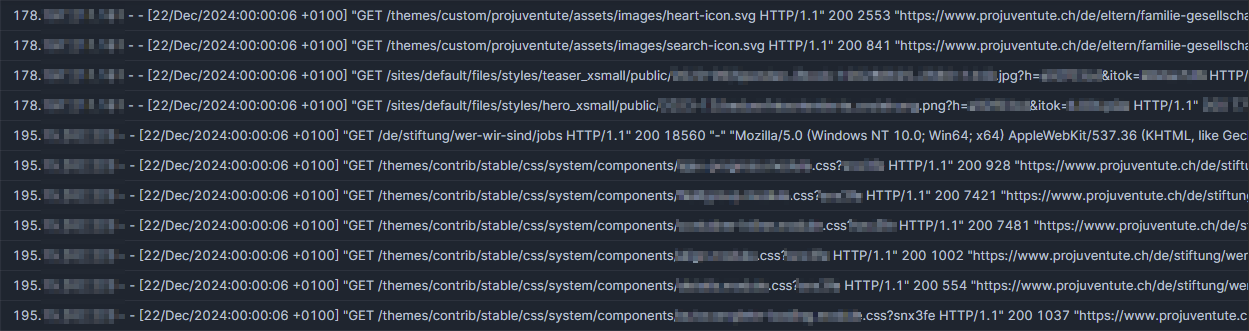
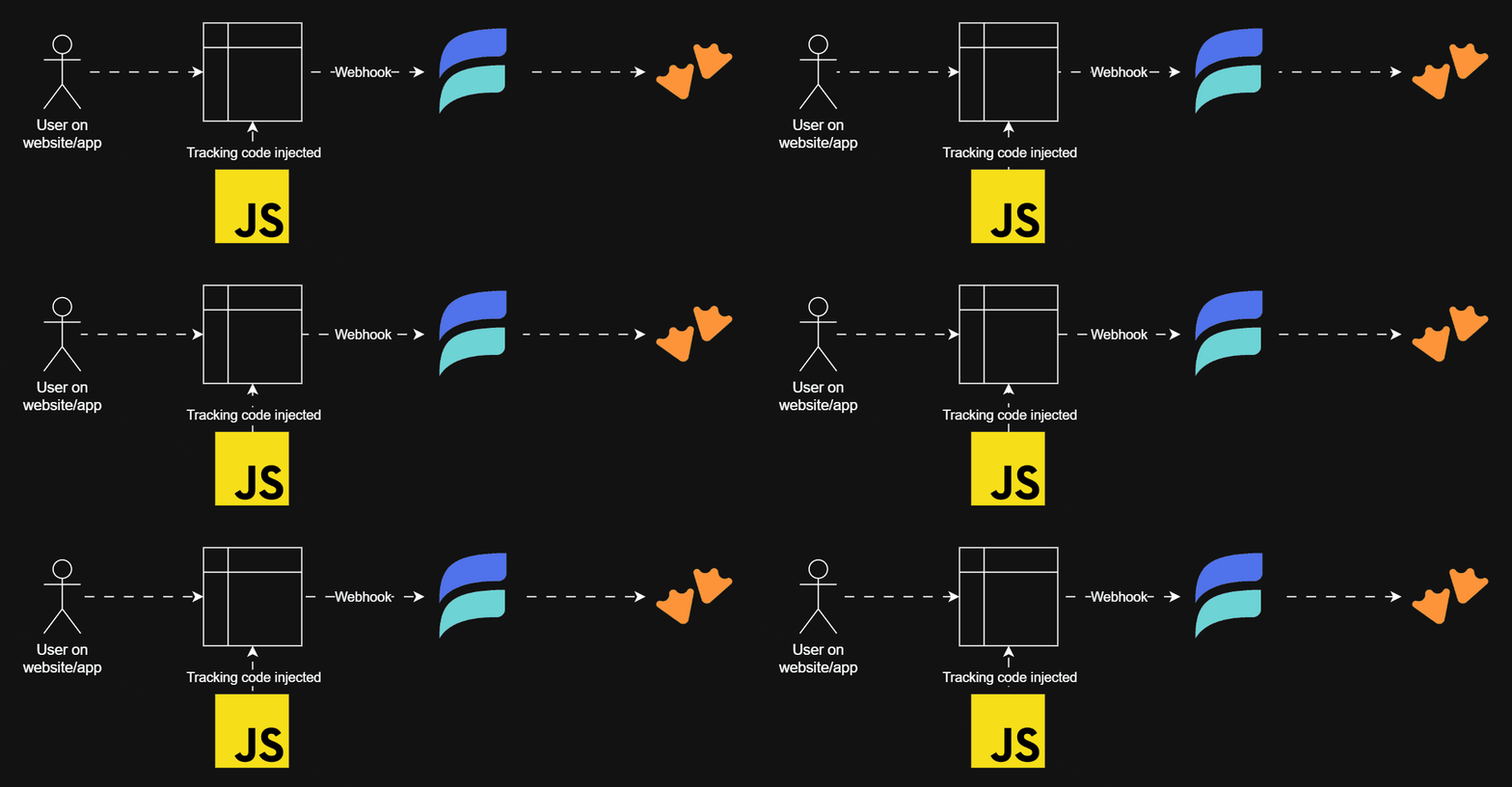
But if one would like to know a little bit more than "just" page views about users visiting their website or app, events tracked by the user's client (instead of the webserver) are very much relevant.
Generally that means injecting some code into the website triggered by interactions of the users with the website. Using plain JavaScript (or whatever language/dialect one's website/app uses) this can be fairly straight forward and simply a snippet like this:
<script>
  (function () {
    window.addEventListener("load", function () {
      // <do something>
    });
  })();
</script>
Such event listeners can be added to whatever event JavaScript (etc.) is capable of listening to. I'll stick to page views (triggered on "load") here to keep it simple, but tracking other events (like clicks on links or buttons, page pings, scrolls, etc.) can be added similarly.
To then track those listened-to events, some collected data needs to be sent somewhere. Fortunately webhooks to receive those payloads become increasingly cheap, even free options/tiers are plenty. To just name a few:
I'll use Estuary here as it was the last of the mentioned I tested - the others work just as reliable, though.
And the final component is a sink to store the tracked data in. This can really be any database usable as a destination with the picked webhook, most of them offer a free tier, too. I picked MotherDuck because I wanted to have some data to play with their MCP, cf. my previous post:
 Martin Seifert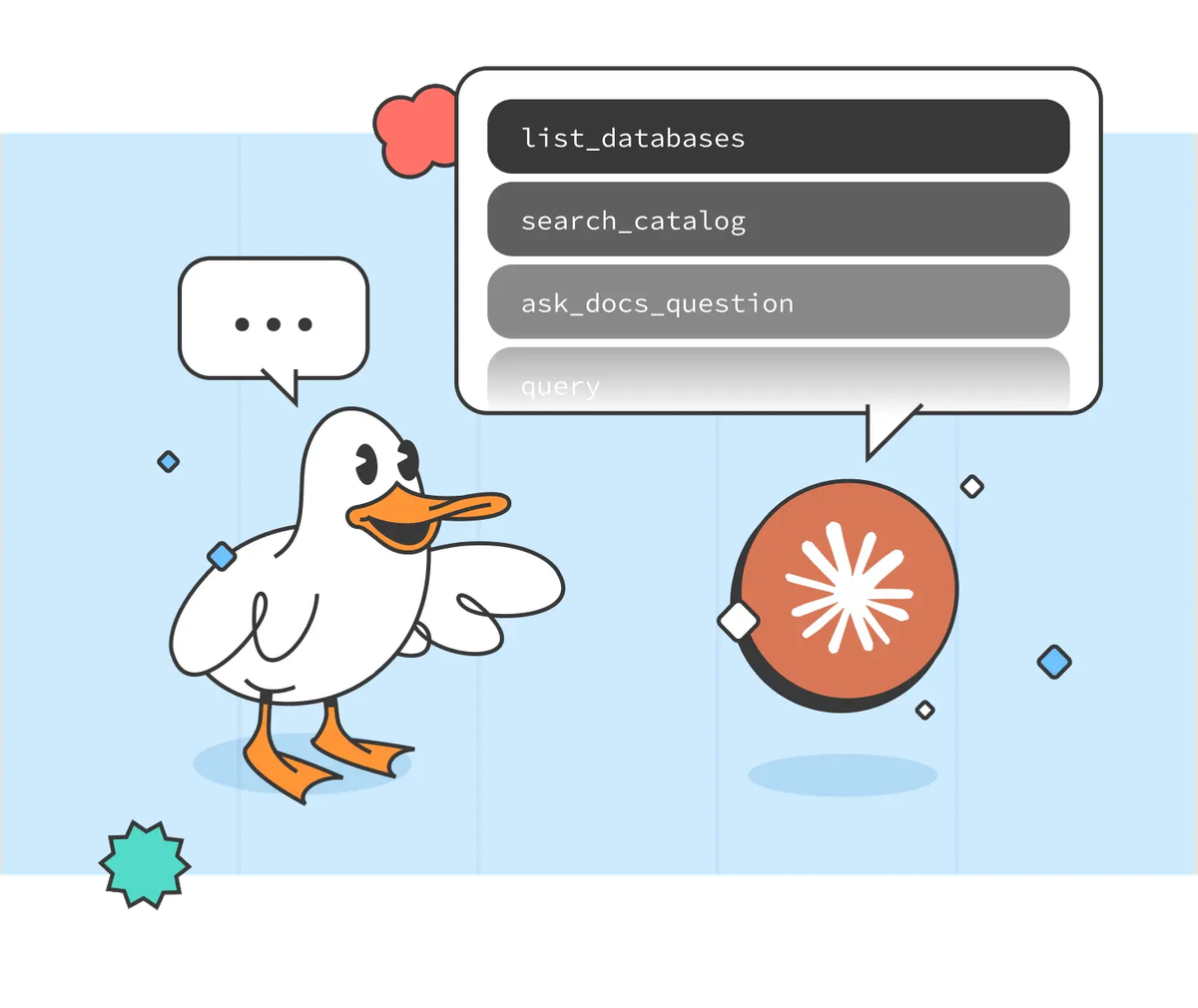
Planning mode finished, let's build!
Code injection
The blog you, dear reader, are reading is based on Ghost, so injecting scripts into the html can be done via settings. If you are interested in first-party tracking, I'll presume you are already familiar with how to do this on your own website 😜
Other than just some information on the page a user views, I would like to also construct a session for the client using a session-scoped variable stored in the client's session storage. Also, to identify returning clients, I also add a second ID to the local storage of the client.
With those 2 IDs and the webhook endpoint we'll pick up at the next step, the injected script looks something like this:
<script>
  (function () {
    function generateUUIDv4() {
      if (crypto.randomUUID) {
        return crypto.randomUUID();
      }
      return ([1e7]+-1e3+-4e3+-8e3+-1e11).replace(/[018]/g, c =>
        (c ^ crypto.getRandomValues(new Uint8Array(1))[0] & 15 >> c / 4).toString(16)
      );
    }

    function getOrCreateClientId() {
      const key = "client";
      let clientId = localStorage.getItem(key);
      if (!clientId) {
        clientId = generateUUIDv4();
        localStorage.setItem(key, clientId);
      }
      return clientId;
    }

    function getOrCreateSessionId() {
      const key = "session";
      let sessionId = sessionStorage.getItem(key);
      if (!sessionId) {
        sessionId = generateUUIDv4();
        sessionStorage.setItem(key, sessionId);
      }
      return sessionId;
    }

    const clientId = getOrCreateClientId();
    const sessionId = getOrCreateSessionId();

    const payload = {
      event: "pageview",
      referrer: document.referrer || "",
      page_url: window.location.href,
      page_title: document.title,
      client: clientId,
      session: sessionId
    };

    window.addEventListener("load", function () {
      fetch("<endpoint>", {
        method: "POST",
        headers: {
          "Content-Type": "application/json",
          "Authorization": "Bearer <token>"
        },
        body: JSON.stringify(payload)
      }).catch(function (err) {
        console.error("Tracking error: ", err);
      });
    });
  })();
</script>
Now, where does this script send data to?
Webhook: Estuary
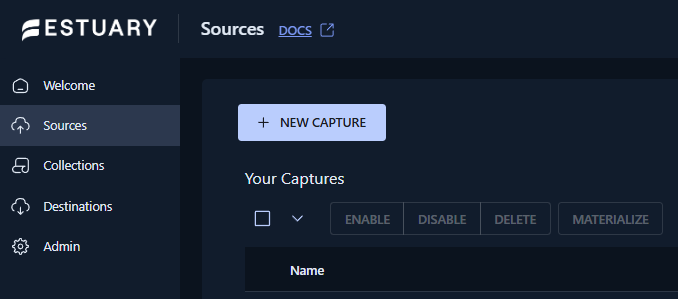
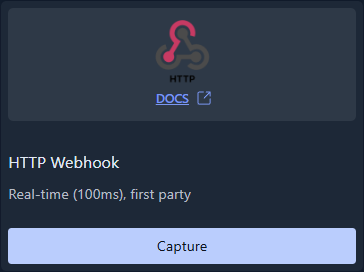
The webhook to send data to is a source of type "HTTP Webhook" in Estuary:
To avoid allowing anywhere to send data to the webhook, I recommend setting up an authentication token and CORS:
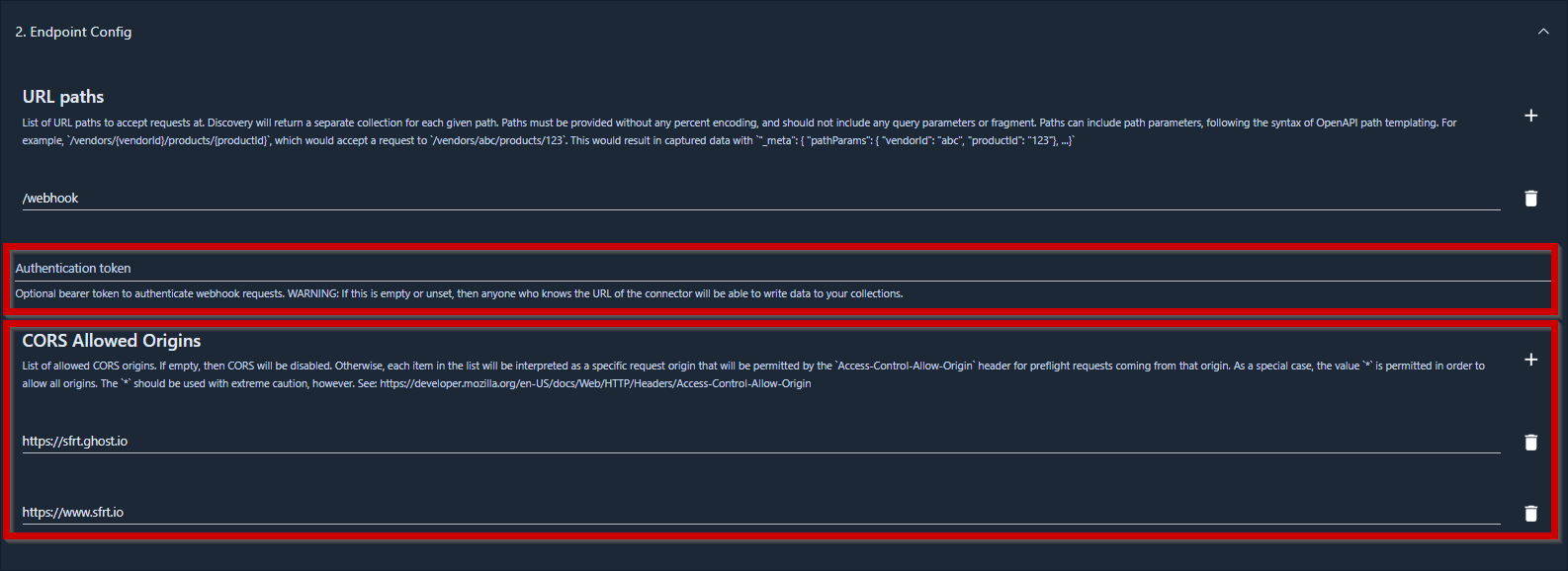
And I want to allow schema evolution, otherwise the pipeline fails whenever I add some new parameter to the tracking script above.
Having set up the source in estuary, the returned endpoint and token can be added to the injected script.
Sink: MotherDuck
After creating an account in my preferred region, I switch to the free tier immediately. This is an incredibly generous offer, I highly recommend you use it to learn some DuckDB and what MotherDuck offers on top - it's really fun! Well, if such things generally spark joy in you, I suppose 🙃
To then get the data from Estuary into MotherDuck, I configure a destination in Estuary:
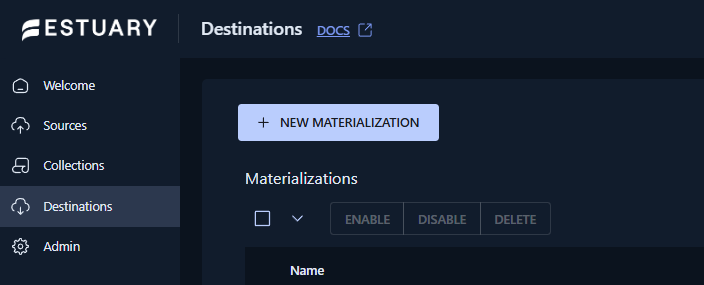
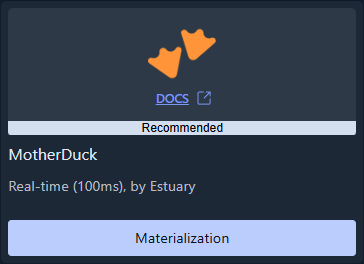
For this I need a service token from MotherDuck and a staging bucket to be configured in Estuary: when loading data into MotherDuck, Estuary will use this as intermediary storage. Since all three hyperscalers (AWS, Azure and GCS) offer free tiers (though I believe Azure Blob Storage is always payed), I could pick any of those. Or use Cloudflare's S2, which is compatible with AWS' S3 protocol. Since MotherDuck is hosted on AWS, I pick an AWS S3 bucket in the same region as my MotherDuck instance to minimize latency.
The last setup step is then to connect the destination to the source:
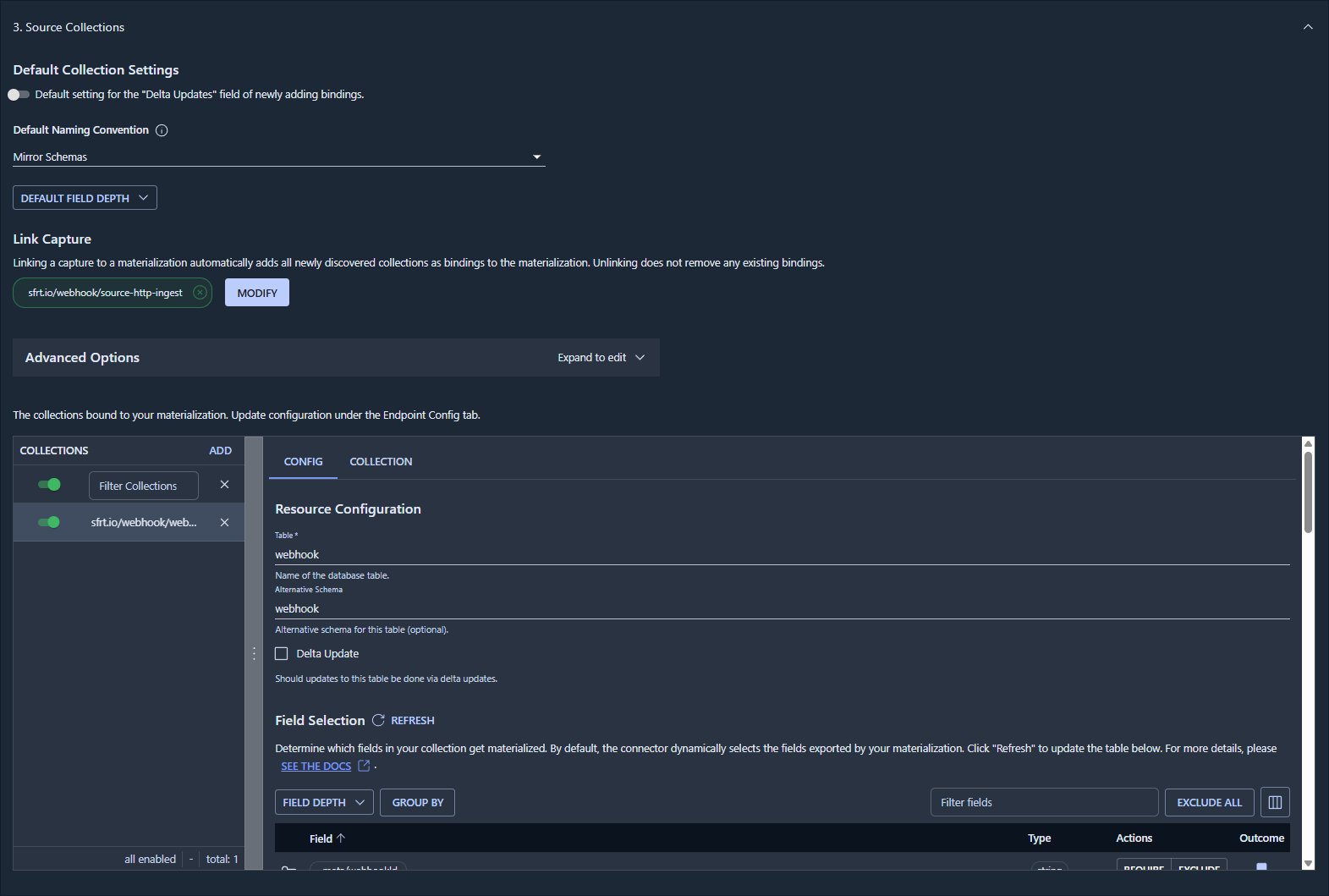
This will create the schema and table in MotherDuck and automatically insert new data:
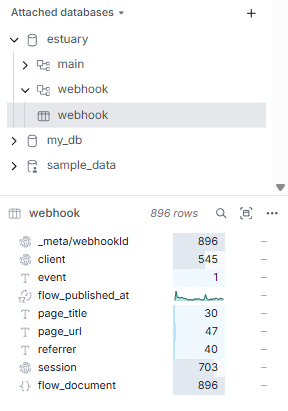
And that's really it: First-party tracking data to then analyze, visualize and play with.