
OpenCode: a terminal coding agent without vendor lock‑in
Bring your own model, ditch the subscription.

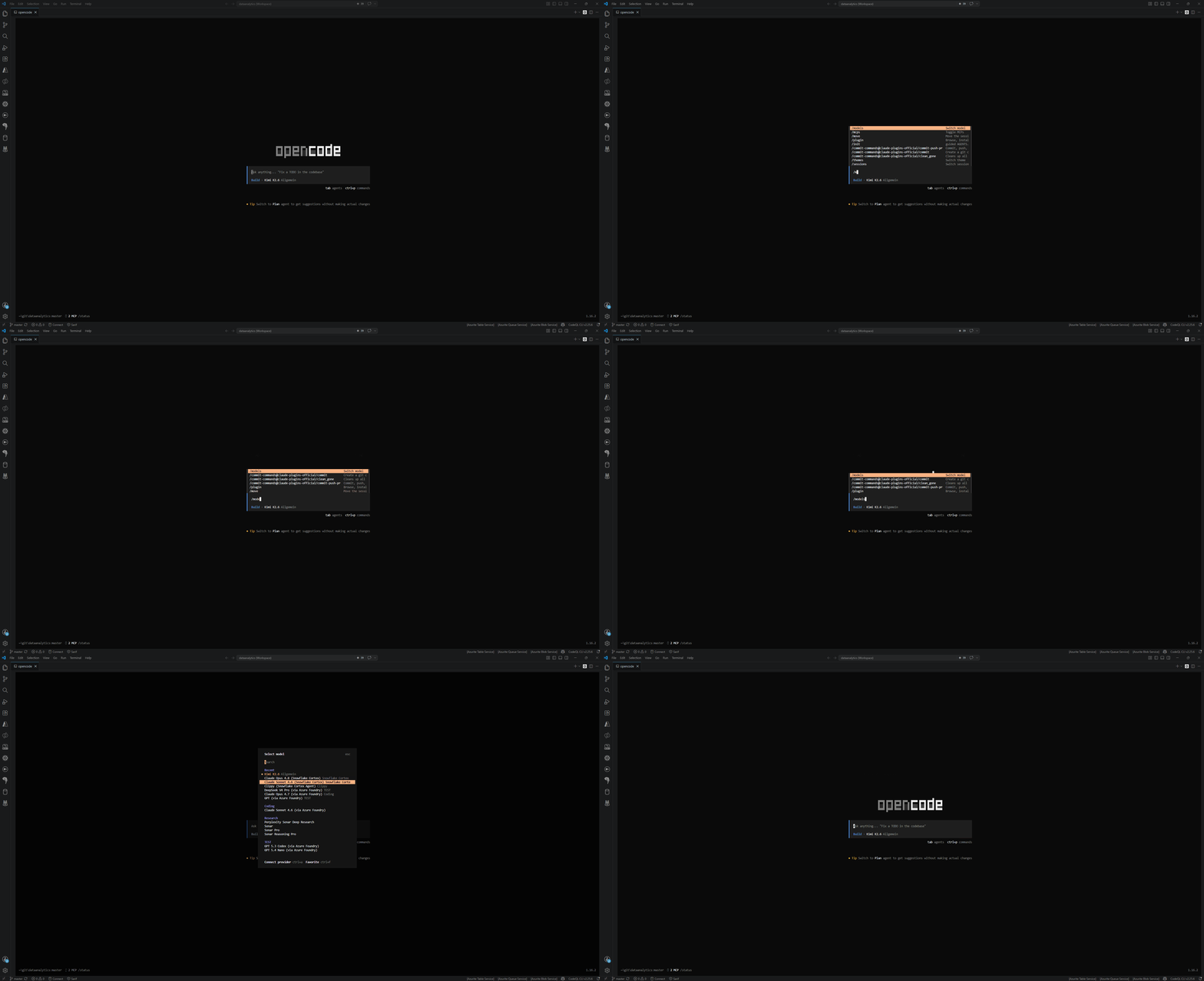
TL/DR: OpenCode is an open-source, model-agnostic coding agent that runs in your terminal. You bring your own keys and point it at whatever model you like. Here is what it is, how it stacks up against Claude Code, Codex and ❄️ Snowflake CoCo, and the exact workspace I built around it for a cost-sensitive data stack.
I have written before about Claude Code and Snowflake Cortex Code (CoCo). Both are good, and both lock you into a single vendor’s models and pricing. OpenCode takes a different bet: the agent (harness) is infrastructure, the model is a swappable part. For a small Swiss NPO data team (minimally small, actually) as well as my colleagues at said NPO with different use cases, that bet fit better than the alternatives, so I moved my daily driver over. This post is the long version of why, and the full setup.
What OpenCode actually is

OpenCode is a terminal-first AI coding agent from the people behind the SST framework. It is MIT-licensed, written in Go, and speaks to 75+ LLM providers. There is no subscription gate: you bring your own API keys (BYOK) and pay the model provider directly. OpenCode runs as a terminal UI, a desktop app, or an IDE extension for VS Code, Cursor and Zed, with Neovim and JetBrains supported through the Agent Client Protocol.
The architecture is the part that matters most. OpenCode runs as a persistent client/server: a background server handles model communication and keeps session state in a local SQLite database, and the frontends (like the terminal UI) connect to that server. Practically, that means a session survives a dropped SSH connection or a closed terminal: you reconnect and the agent is still mid‑task, with full context. This is a real architectural difference from Claude Code, where closing the terminal ends the session and --resume restarts from a saved transcript rather than reconnecting to a live one.
OpenCode has two working modes, toggled with the Tab key:
- Plan: read-only. The agent shows the full plan of what it intends to do before touching a single file.
- Build: full tool access. It edits, runs commands, and does the work.
It also wires in LSP, so the agent gets real code intelligence (diagnostics, symbol navigation) instead of guessing from text. Project memory lives in an AGENTS.md file at the repo root, the same convention Codex uses, so the two can coexist in one repo. You can switch models mid-session, which is the whole point of the model-agnostic design.
How it differs from Claude Code, Codex and CoCo
By 2026 many terminal agents (Claude Code, Codex, OpenCode, Gemini CLI) have converged on the same primitives: subagents with isolated context, a plan mode, ask-the-user tools, parallel execution, sandboxing, memory files, and MCP support. The differences now are about who owns the model, who owns the pricing, and what each tool is optimized for.
| Agent | Model | Pricing | Best at |
|---|---|---|---|
| Claude Code | Anthropic only (Sonnet/Opus) | Pro $20/mo, Max $100-200/mo | Building on the agent: 29 hook events, Agent Teams, mature skills marketplace |
| Codex | OpenAI only (GPT-5.x) | ChatGPT plan or API | Terminal/systems work, kernel-level sandboxing, async PR delegation |
| OpenCode | Any of 75+ providers (BYOK) | You pay the model provider directly | Cost control, model choice, session persistence |
| Snowflake CoCo | Cortex models, account allowlist | Snowflake credits | Data-native work inside one Snowflake account |
Claude Code is the most polished choice if you are building automation around the agent itself. Its Agent Teams (parallel subagents that actually communicate and share state) and 29 programmable hook events are genuinely ahead. The trade‑offs are cost and lock‑in: most professionals end up on Max at $100+/mo, and you only ever run Anthropic models.
Codex is the systems specialist. It wins terminal and shell benchmarks, has proper OS-level sandboxing (Seatbelt on macOS, Landlock on Linux), and its cloud version is a fire-and-forget async service: dispatch a task, get back a pull request. It runs OpenAI models only.
CoCo (Snowflake Cortex Code) is a different animal. It is a data-native agent tied to a Snowflake account. It knows your catalog, finds your PII tables, runs SQL, builds Streamlit apps and dbt projects, and works with Cortex Analyst semantic models. The models come from Cortex on an account allowlist, not BYOK. I covered it in depth before:
 Martin Seifert
OpenCode is the generalist. It is not a model, so it has no benchmark score of its own: it scores whatever you plug into it. That is the feature. I can run a cheap Swiss-hosted model for routine work and switch to Claude Opus for a hard refactor in the same session without changing tools. For a small team watching every franc, that flexibility is the whole argument.
Installing OpenCode
The fastest path on macOS or Linux:
curl -fsSL https://opencode.ai/install | bashIt is also on the usual package managers: npm install -g opencode-ai (or bun/pnpm/yarn), brew install anomalyco/tap/opencode (their own tap tends to be more current than the community formula), and pacman -S opencode on Arch.
On Windows the smoothest experience is through WSL. If you want it native, scoop install opencode, choco install opencode, npm, or the Docker image at ghcr.io/anomalyco/opencode all work. A modern terminal helps (WezTerm, Alacritty, Ghostty or Kitty), since the UI leans on a capable terminal emulator.
For a first run, point OpenCode at a project and let it learn the codebase:
cd your-project
opencode
# then, inside the TUI:
/init      # analyzes the repo, writes AGENTS.md
/connect   # pick a provider, paste an API key
Commit the generated AGENTS.md to git. That file is the agent's memory of your project, and you will keep editing it.
How configuration works
OpenCode reads JSON (or JSONC) config files and merges them in a defined order. Later layers override earlier ones, but they merge rather than replace, which makes a clean split between global defaults and project‑specific rules possible:
- Remote org defaults (a
.well-known/opencodeendpoint) - Global:
~/.config/opencode/opencode.json - Project:
opencode.jsonin the repo root - Local
.opencode/directories (agents, commands, plugins) - Inline and managed overrides (env vars, MDM)
The keys you will touch most: /models (like "anthropic/claude-sonnet-4-5"), /plugin (an array of npm names or local paths), /mcps (MCP servers), /skills (accessing all skills defined somewhere in the hierarchy), and /sessions (to continue previously started conversations). Subdirectories use plural names: agents/, skills/, commands/, plugins/. Environment variables interpolate with {env:VAR_NAME}, so no secrets in the config file.
That is the stock setup. The rest of this post is what I actually built on top of it.
My setup: a domain-routed data engineering workspace
I do not use OpenCode as a chat box. I use it as a multi-agent, context-pruned, domain-routed assistant for a Snowflake / dlt / Streamlit / DuckDB stack. The design splits cleanly: machine-wide identity and providers live in the global config, repo-specific rules live with the repo.
The provider matrix
The global opencode.json defines six providers, each with a job:
| Provider | Role | Why |
|---|---|---|
| Infomaniak (Kimi-K2.6) | Default daily driver | 262k context, tool calls, Swiss-hosted, cheap |
| Azure Foundry (OpenAI) | Testing | GPT variants for fast or code-heavy tasks, but I'm not sure what I think of those, yet |
| Perplexity | Web research | Synthesis with citations |
| Clippy | Cortex Agent bridge | A text-only Snowflake Cortex Agent proxy |
| Snowflake Cortex | Direct Cortex models | Claude via Cortex, through a proxy (see below) |
I default to a Swiss‑hosted Kimi model instead of Claude or GPT for three reasons: it is cost-effective, it gives 262k of context with tool calling, and Swiss hosting matters for an NPO thinking about data residency. Claude Opus and GPT Codex are not the default - they are reserved for the specific tasks where they clearly earn their higher price.
Oh, and Clippy is available, too 😎
 Martin Seifert
The Snowflake Cortex proxy
Pointing OpenCode straight at the Snowflake Cortex REST API didn't work out of the box for me (though it might very well with future releases). It failed with:
Bad Request: invalid request parameters: Each 'toolUse' block
must be accompanied with a matching 'toolResult' block.
There are three separate problems, and a small proxy fixes all of them:
- Parameter name. OpenCode sends
max_tokens, while Cortex expectsmax_completion_tokens. The proxy rewrites the field on the way through. - SSL hostname. Snowflake issues certificates for the locator host (
locator.region.snowflakecomputing.com), not the account host. The proxy connects using the locator-based hostname so TLS validates. - Model catalog. The Cortex REST API has no
/modelsendpoint, so the proxy keeps a static whitelist of the models it exposes.
The request path ends up as: OpenCode sends a Bearer token to a small VM, which forwards through a Squid proxy to the Cortex REST endpoint. The real Snowflake token lives on the proxy, never in the client config. I built the static-egress VM for a different reason (a dlt pipeline needed a fixed outbound IP) and reused it here:
 Martin Seifert
If you only want Claude-quality models with proper tool calling and you already pay for them through Snowflake, this is worth the trouble. If you do not, skip Cortex entirely and use a direct provider.
Plugins and context pruning
Seven plugins plus one custom local one carry the workflow. The two that matter most:
- opencode-background-agents powers a
delegatetool: fire off a long-running research or batch task in the background and read the result later, instead of blocking the main session. - @tarquinen/opencode-dcp adds Dynamic Context Pruning, which is what makes long sessions survivable.
A single pipeline debug can run 30-plus turns. Without pruning, the context window fills with file reads from twenty turns ago and the agent starts forgetting the current task. My DCP config:
{
  "turnProtection": { "enabled": true, "turns": 5 },
  "compress": { "maxContextLimit": 180000, "nudgeForce": "soft" },
  "protectedFilePatterns": [
    "**/.env*",
    "**/secrets/**",
    "**/.config/opencode/opencode.json"
  ]
}
The last five turns stay immune from pruning, so the immediate task thread never vanishes. Everything older is compressible once the context crosses 180k tokens. The protected patterns stop the pruning logic from ever touching secrets or the config files themselves.
The .agents convention
One unconventional choice: The standard pattern puts an .opencode/ folder in the repo root. I do not. Instead the repo uses an invented .agents/ directory for all local agents, skills and rules.
.agents/ for two reasons: It keeps AI config version-controlled alongside the code without duplicating provider credentials into the repo, and it reads as tool-neutral. The repo-root opencode.json stays tiny: it only adds relevant MCP servers for the repo, for example my dltHub workspace.Inside .agents/ there are four specialized subagents, each owning a domain so the context stays focused:
| Agent | Domain |
|---|---|
| Data Engineer | dlt ingestion pipelines |
| Data Modeler | Common data model and the Cortex Analyst semantic layer |
| Dashboard Developer | Streamlit dashboards |
| Platform Admin | Infrastructure, ops, and the catch-all fallback |
Each top-level folder of the monorepo (dlt/, streamlit/, snowflake_semantic_view/, ...) gets its own AGENTS.md with domain-specific rules. The global router reads them at session start, so the agent always knows which rulebook applies to the file it is editing.
Two files in every session
The instructions array injects two files into every single session, no matter the task.
The first is a global AGENTS.md, the behavioral constitution. It sets a terse communication style (drop articles and filler, which saves a noticeable slice of context tokens over a long session, like caveman does), a few engineering rules (think before coding, simplest change that works, touch only what you must), and a writing guide for creating comments to Jira issues or documents on Confluence directly from the repo.
The second is a shell strategy file. OpenCode runs commands in a non-interactive shell with no TTY, so any command that waits for input hangs forever. The file tells the agent to assume a CI environment: never open an editor or pager, always pass -y and --force flags (when appropriate), and prefer the built-in file tools over sed and cat. It is written as BAD-versus-GOOD command pairs, because models follow a concrete positive example better than pure prohibitions. As do humans 😜
Knowledge and secrets
Each domain folder carries three files: knowledge.md for confirmed facts, hypotheses.md for observations that need more evidence, and rules.md for hard-won rules the agent applies by default. A hypothesis confirmed three times gets promoted to a rule; a rule that gets contradicted gets demoted. It is a small state machine for everything the agent learns while debugging, and it stops the agent from repeating the same mistakes.
Secrets handling is strict, because ... just because. The rules are absolute: never cat a secrets file, never env | grep KEY, always go through MCP tools, and in Python only ever read dlt.secrets["key"]. Encoded in every agent definition so it is never forgotten.
Using it day to day
A few commands and habits cover most of the work:
- Tab toggles Plan and Build.
- @ in a prompt does a fuzzy file search, so you reference files by name instead of pasting paths.
- /undo and /redo revert and reapply changes, repeatably. This is the safety net that makes Build mode comfortable.
- /share creates a shareable link to a session (nothing is shared by default).
- Dragging an image into the terminal and the agent reads it: useful for handing it a screenshot of a broken dashboard.
The model-switching is the habit that changed how I work. Routine edits run on the cheap default. When I hit a refactor that needs more reasoning, I switch to Opus for that stretch and switch back. One tool, one session, the right model for each part of the job.
Should you use it?
If you are building heavy automation on top of the agent (custom hooks, coordinated agent teams, a private skills marketplace) Claude Code is still ahead and probably worth the Max seat. If your work is systems-level and you want kernel sandboxing plus async PR delegation, Codex fits. If you live entirely inside one Snowflake account and want an agent that knows your catalog, CoCo is the data-native answer.
For everything else, and especially for a small team that needs to control cost and data security and pick models per task, OpenCode is the one I reach for. The setup takes an afternoon, and after that, the flexibility pays for itself.
You get an agent that is yours, runs your models, and stays out of the way 😎