Reverse-Engineering a Black-Box ERP with Claude Code
Using dlt’s AI workbench and Claude Code, I reverse‑engineered our ERP's undocumented 1,200+ table schema and produced an annotated DBML model plus ontology.

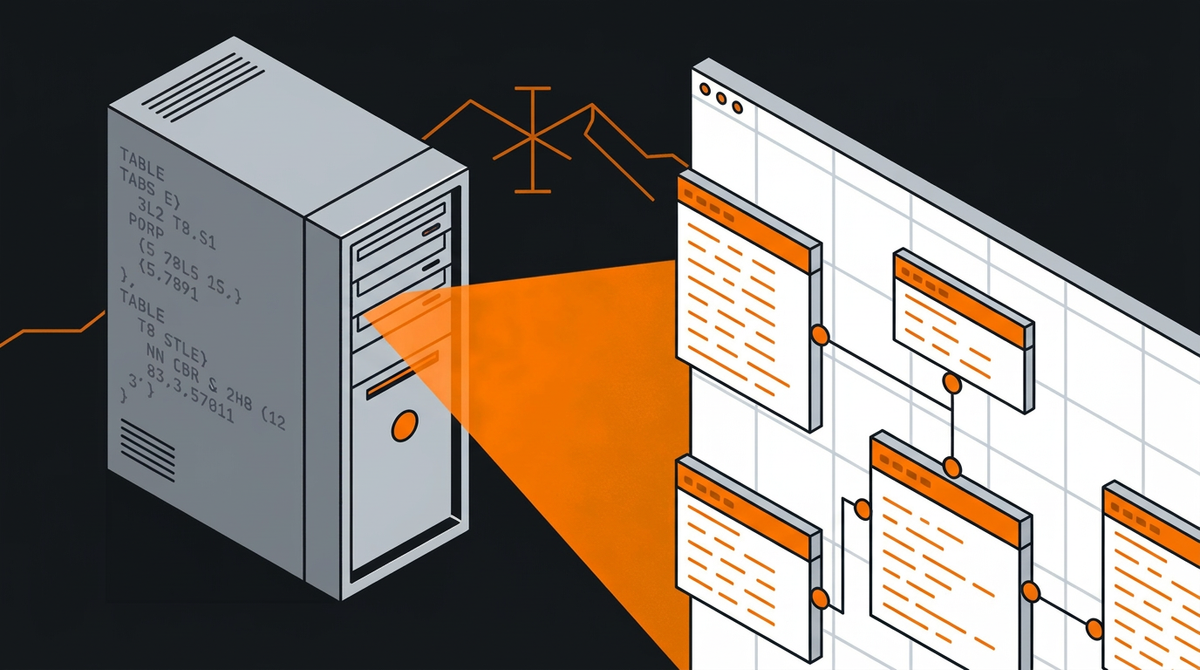
ERPs are notoriously closed systems. The business logic lives in the vendor's partner ecosystem, the UI is designed for accountants not engineers, and if you ask for schema documentation, you'll get a polite smile and a consulting quote.
Our ERP is accessible via ODBC, which is good. But the ODBC surface (currently) exposes 1,231 tables with names like fibu_kon, lohn_lpe, and debi_dbl, no documentation on what any of them contain or how they relate to each other. And inconsistent column names, of course 🙄 The UI doesn't help either: it's built for data entry, not data discovery.
I wanted to build dlt pipelines and data models on top of this ERP. To do that, I needed to know: which tables matter, what columns are in them, and how they join together. The manual approach (guess table names, query them one by one, infer meaning from column names) would take weeks. So I let Claude Code do it instead.
The Plan
The idea is simple: if you can't read the docs, read the data. Pull a sample from every table, analyze the structure, decode the naming patterns, and build an ontology from the bottom up. Fully automated, using dlt's AI workbench as the scaffolding.
Step 1: Extract Everything
The first step connects to the ERP's ODBC DSN and does two things: enumerate all tables via ODBC metadata, then load a 1,000-row sample from each into a local DuckDB file.
The tricky part: ODBC drivers crash. Not raise-an-exception crash, but full segfault crash. To handle this, each table load runs in a separate subprocess. If the subprocess exits cleanly, the table is marked ok. If it times out (60 seconds), it's timeout. If the process exits with a non-zero code, it's either error or segfault. Everything gets recorded in a manifest so you can see exactly what happened to each of the 1,231 tables. This extract is the reason the whole exercise took a few hours.
Result: 541 tables with actual data, the rest empty or inaccessible. The DuckDB file plus the manifest become the foundation for everything else.
Step 2: Profile the Sample
The next step reads the DuckDB database (side note: 🦆 is sooo much more joyful than ODBC...) and profiles every column of every table. Because all data was loaded as VARCHAR (to avoid type conversion issues during extraction), we can't trust the column types. So the profiler uses TRY_CAST to infer actual types: dates, timestamps, integers, decimals, and text.
For each column it computes null rates, distinct counts, and value distributions for anything that looks like a code field (columns with suffixes like _cd, _type, _status). For numeric and date columns it records min/max. The output covers all 541 tables and their columns in a single structured profile.
This profile is the raw material for the next two steps.
Step 3: Decode the Naming Conventions
The ERP uses heavily abbreviated, German-influenced column names. dnr means customer number (Debitornummer). kto means account (Konto). mwst means VAT (Mehrwertsteuer). betr means amount (Betrag). Once you know the patterns, the abbreviations are mostly consistent across the entire schema.
The annotation step builds a dictionary of 440+ exact-match terms and 70+ regex patterns covering common prefixes and suffixes (_nr = number, _datum = date, _betrag = amount, sw_ = system flag). It applies these to every column in the profile to generate a semantic description for each field.
The output is a complete DBML schema with annotated columns, row counts, inferred types, null rates, and cardinality information for 22,372 columns across 541 tables. You can paste this directly into dbdiagram.io and get a full visual map of the schema.
Step 4: Build the Ontology
Knowing what each column means is useful. Knowing what each table represents is more useful.
The ontology step classifies all 1,231 tables into business entities using module prefixes and naming patterns. The ERP schema is organized into modules: FIBU (accounting), LOHN (payroll), DEBI (receivables), KRED (payables), ORDE (orders), PROJ (projects), and so on. Within each module, table names (loosely) follow conventions: debi_dab is the customer master, lohn_lpe is the employee master, fibu_kon is the account master.
The classifier maps each table to a business entity (Customer, Supplier, Employee, JournalEntry, etc.), assigns it a role (primary, detail, config, lookup), and gives it a confidence level. High confidence means the table name matches a known pattern exactly. Low confidence means it matched a broad rule and should be reviewed manually.
Results: 150+ distinct business entity types. The payroll module alone has 50+ specialized entities (EmployeeSnapshot, PayrollJournal, PayType, EmployeeAccrual...). The output is a taxonomy plus a human-readable ontology summary covering the entire schema.
Step 5: Validate with Foreign Keys
The final step validates the ontology by checking whether the expected relationships actually hold in the data. It tests 20+ foreign key pairs: for each one, a LEFT JOIN measures what percentage of keys match. A high match rate confirms the relationship. A rate below 80% flags it for manual review.
Examples that validate cleanly: customer documents joining to the customer master on dnr, and journal entries joining to the account master on kto. These verify that the ontology's core relationships are correct.
What You End Up With
At the end of this process I had:
- A DuckDB database with 541 sampled tables to query locally
- A full column profile with types, null rates, and value distributions
- An annotated DBML schema you can visualize or feed to other tools
- A taxonomy mapping every table to a business concept, with confidence scores
- A validated set of FK relationships used as join keys in pipelines
That's enough to write dlt pipelines targeting the right tables, document the schema for the rest of the team, and start building analytics on top of a system that otherwise treats its own data model as a trade secret.
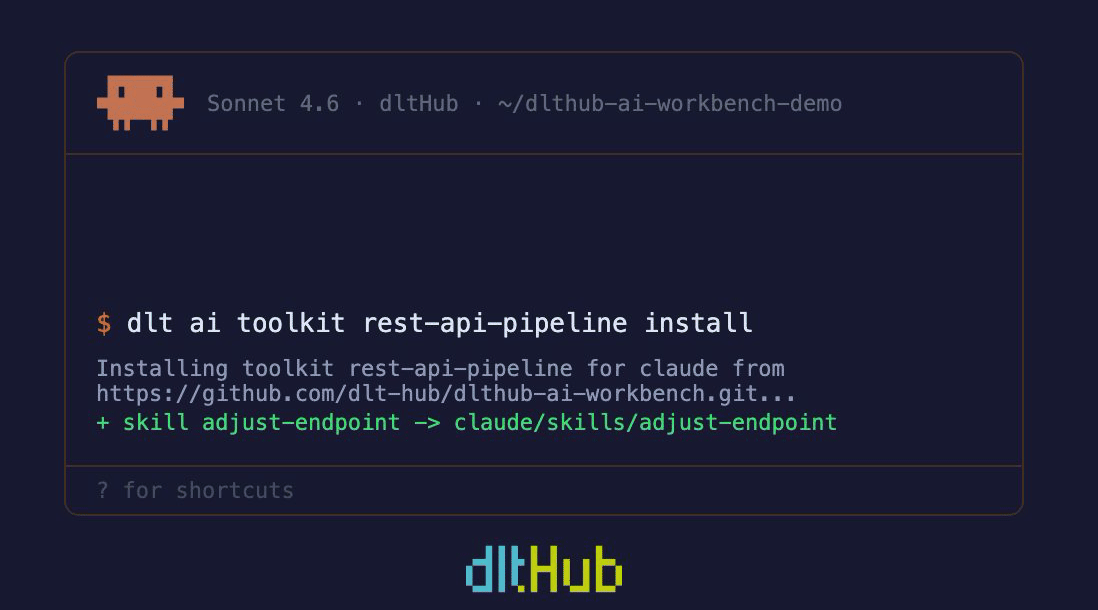
The whole thing took a few minutes to write and hours to run (again: thanks ODBC), mostly in Claude Code using dlt's AI workbench skills 😎 The alternative was weeks of manual exploration or paying a consultant who would've just done the same thing more slowly.
Want to test the workbench yourself? Go for it:
 dltHub